Help & Support
Frequently Asked Questions
When sensory overload makes operating a smartphone overwhelming, the caregiver opens Sotto, selects a prompt, and flips the screen toward the communicator. The display provides large high-contrast tactile buttons: Yes, No, Wait, and Repeat. This binary approach resolves needs quickly without navigation friction.
No. Sotto operates 100% offline. Speech synthesis, speech dictation, and QR deck import/export run entirely on-device without WiFi or cellular data.
Open Settings and select Export & Backup. You can export phrase libraries as JSON files or share individual categories as camera-scannable QR codes between devices.
Use the support card below or email support@amhlink.com with your device model, operating system version, and feedback.
Send Feedback & Support
Select a topic to open a prefilled email to support@amhlink.com, or copy the template if you do not have a mail app configured.
Read our Privacy Policy or return to the Sotto Overview.
Sample QR Phrase Decks
Test offline QR import with these ready-to-scan sample decks:
- Open Sotto.
- Go to Settings → Backup & Restore → Scan QR Code.
- Point camera at either QR deck below.
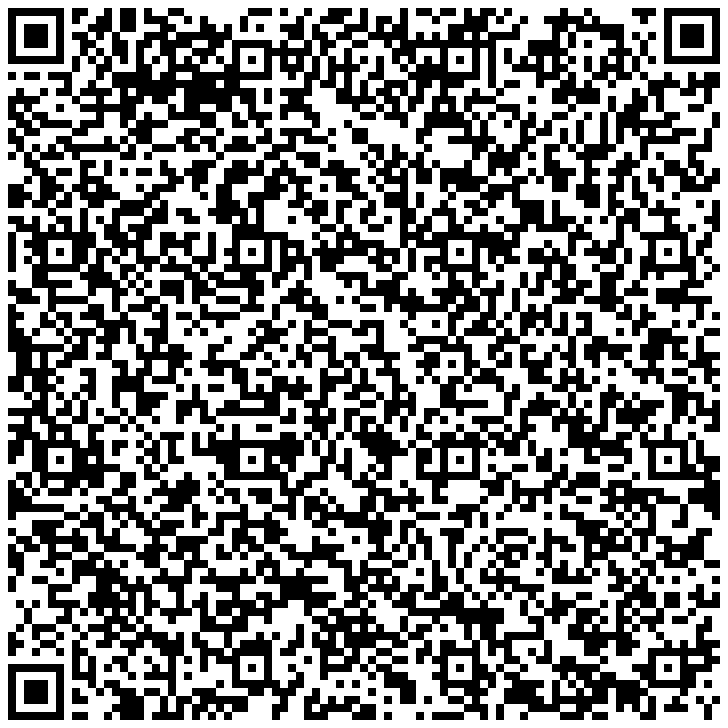
Essential classroom, sensory break, and quiet-help phrases.
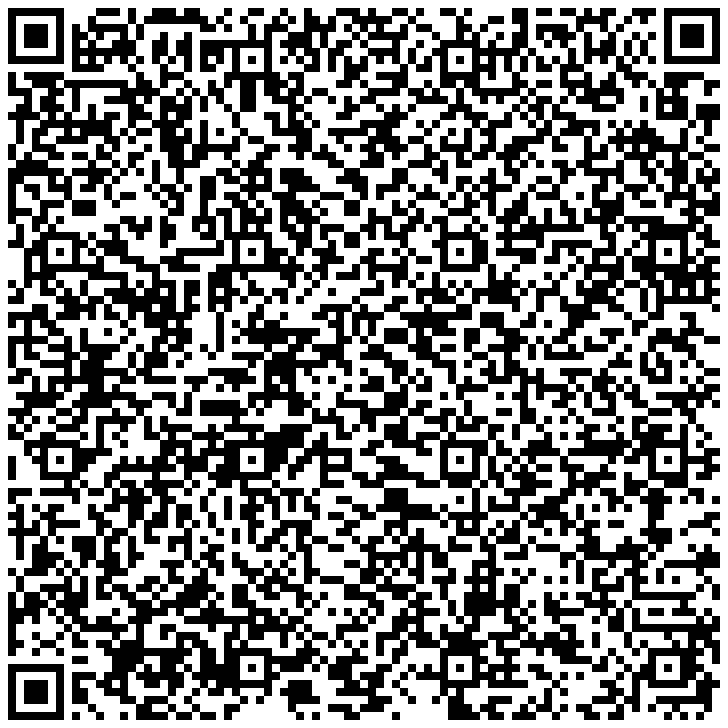
Clinic visit, comfort check, and symptom communication phrases.